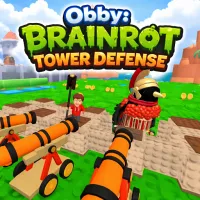
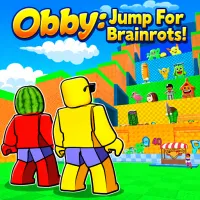
EscapeLava.io is a fast-paced and intense .IO survival game where players must constantly move to escape rising lava. The game takes the familiar survival experience to a new level by combining exploration, item collection, and power-ups with each playthrough. If you enjoy fast-paced, strategic games with progression, you can't miss this challenge.
Overview
In EscapeLava.io, the player's goal is clear: survive as long as possible against the approaching lava. Each playthrough provides a thrilling experience as you must weigh the choice between collecting more rewards or running for your safety.
- Move through different zones
- Collect Brainrots scattered throughout the environment
- Decide when to leave an area to avoid being caught by lava
Risk-reward mechanism creates tactical depth
The appeal of EscapeLava.io lies in the balance between risk and reward.
- Staying longer in a zone allows you to collect more Brainrots
- But the lava will rise quickly and can lead to your downfall
Observe the environment to choose the appropriate direction of movement. React quickly to lava waves to play longer and develop a strong base.
Brainrots system and upgrade progression
Brainrots are the most important resource in EscapeLava.io. When collected, they are converted into upgrade currency, helping players improve their survival.
- Increase movement speed to escape lava faster
- Improve survival against environmental obstacles
- Increase gathering efficiency for faster progress
Explore more areas
- Early zones are easy to access, suitable for getting acquainted with the gameplay
- Deeper areas have complex terrain and high-value Brainrots
- Increasing lava pressure makes the game pace increasingly tense
Survival skills are crucial
- Continuous movement: You cannot stand still; you must always maintain a rhythm of movement to avoid being overwhelmed by lava.
- Jump and overcome obstacles: Many areas require precise jumps to reach Brainrots or escape.
- Environmental interaction: Use the E key to activate objects or open new paths.
Basic control instructions
- Navigation: WASD keys or arrow keys
- Perform jumps: Space key
- Interaction: E key
- Change viewing angle: Use the mouse.
Recommended for You